
If you plug in a phone, SSD or hub more than twice a week, a PC case with USB-C on the front panel is one of the most practical upgrades you can make. XERON puts real Type-C on the front I/O of its flagship cases — up to 20Gbps on the NEX C56 VC — so fast charging and high-speed data are always within reach, without reaching behind the tower
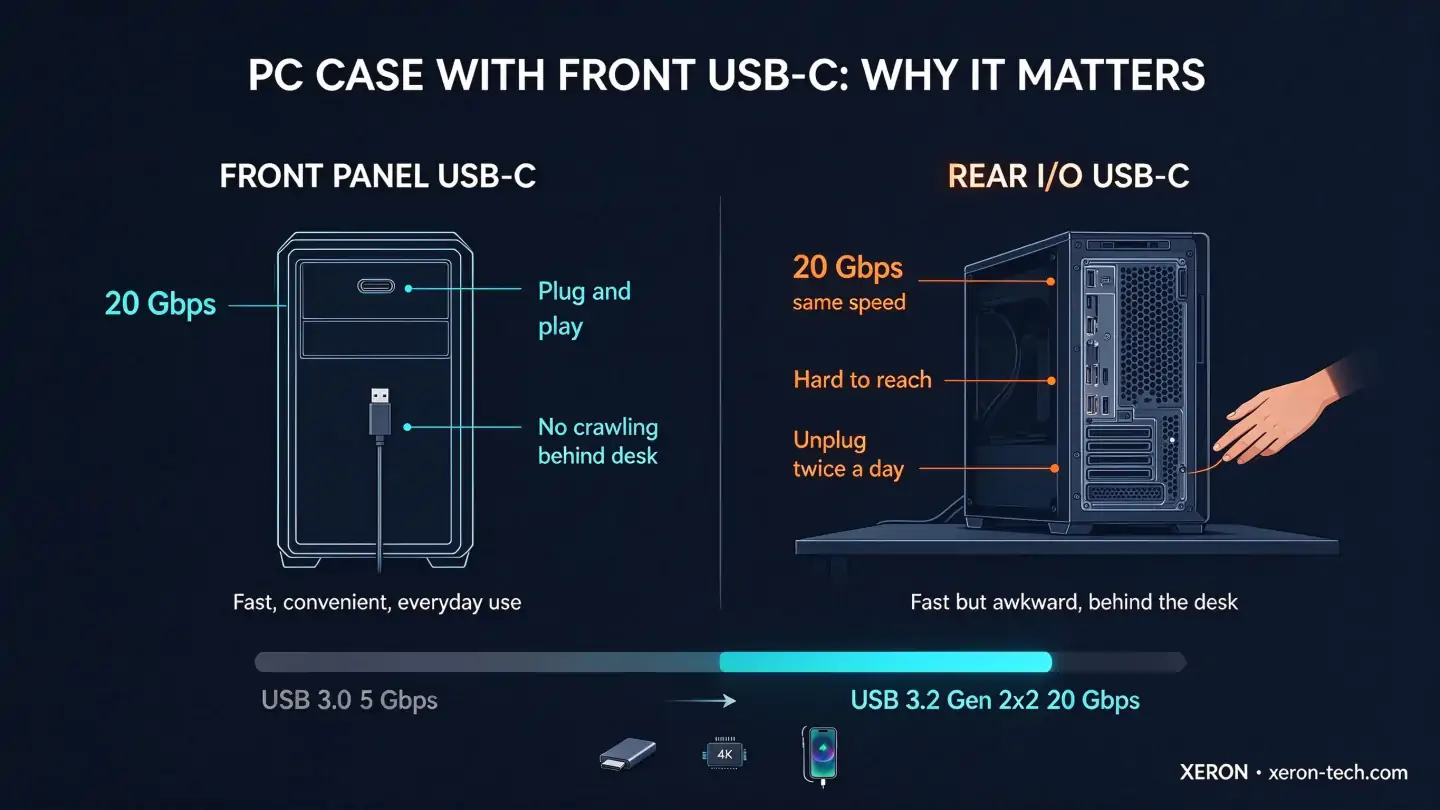
Why a Front USB-C Port Matters
No More Reaching Behind the Case
A front USB-C port sits at desk height, so plugging in a phone, camera or flash drive takes one hand instead of a crawl behind the tower. It's the difference that makes a PC case with front USB-C feel right every single day.
Fast Charging Without a Wall Adapter
Front USB-C delivers more power than classic USB-A, so your phone, earbuds or handheld game console tops up while you work — no extra charger on the desk.
Full Speed for New Peripherals
External SSDs and 4K capture devices are Type-C native. A front USB 3.2 Gen 2x2 port reaches 20Gbps — up to 4× faster than standard USB 3.0 — fast enough for heavy transfers without bottlenecking.
Front USB-C vs Rear USB-C
Most motherboards put USB-C on the rear I/O, which is fine until you're unplugging an SSD or phone twice a day. A front panel USB-C port delivers the same speed with far better ergonomics:
| Front Panel USB-C | Rear USB-C | |
|---|---|---|
| Reach | At desk height | Behind the case |
| Speed | Up to 20Gbps (Gen 2x2) | Up to 20Gbps (Gen 2x2) |
| Hot-plug devices | Phone / SSD / camera | Monitor / capture card |
| Extra cable | Needs Type-E header | Built into board |
For devices you plug and unplug often — phones, flash drives, SSDs — front is the right place. Keep rear USB-C for always-connected gear like displays.
What to Look For in a PC Case with USB-C
Type-E Motherboard Header
A front USB-C port connects to your motherboard's Type-E (USB 3.2 Gen 2) internal header. Most boards from 2020 onward include one — confirm it in your manual before buying. If yours doesn't, a PCIe add-on card or an internal USB 3.0 to Type-E adapter works too.
Speed: 5 / 10 / 20 Gbps
| Port Spec | Max Speed | Best Use |
|---|---|---|
| USB 3.2 Gen 1 | 5 Gbps | Basic data and charging |
| USB 3.2 Gen 2 | 10 Gbps | Fast SSD transfers |
| USB 3.2 Gen 2x2 | 20 Gbps | Heavy video or game transfers |
Keep USB-A Beside It
Your mouse, keyboard and flash drives are still USB-A. The best cases pair USB-C with 2× USB-A — like the NEX C56 VC — so you never choose between old and new devices.
Position and Count
Look for USB-C on the front or top panel at reachable height, with an Audio jack beside it — that's the layout XERON uses on its USB-C cases.
Best XERON Cases with USB-C
| Case | Front I/O | Design and Cooling | ||
|---|---|---|---|---|
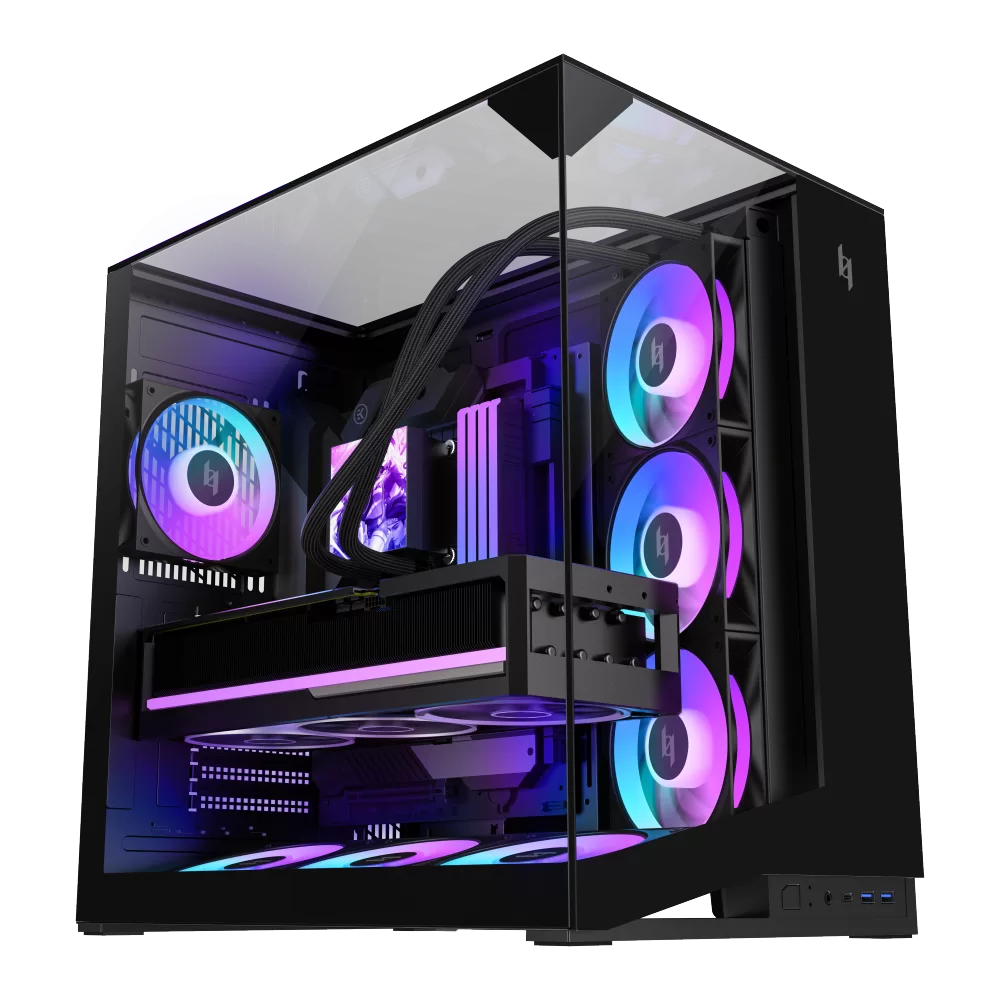 | XERON NEX C56 VC BK | USB-C 20Gbps (USB 3.2 Gen 2x2) + 2× USB-A + Audio | Triple-glass dual-chamber showcase · up to 4× 120mm ARGB/PWM fans | View → |
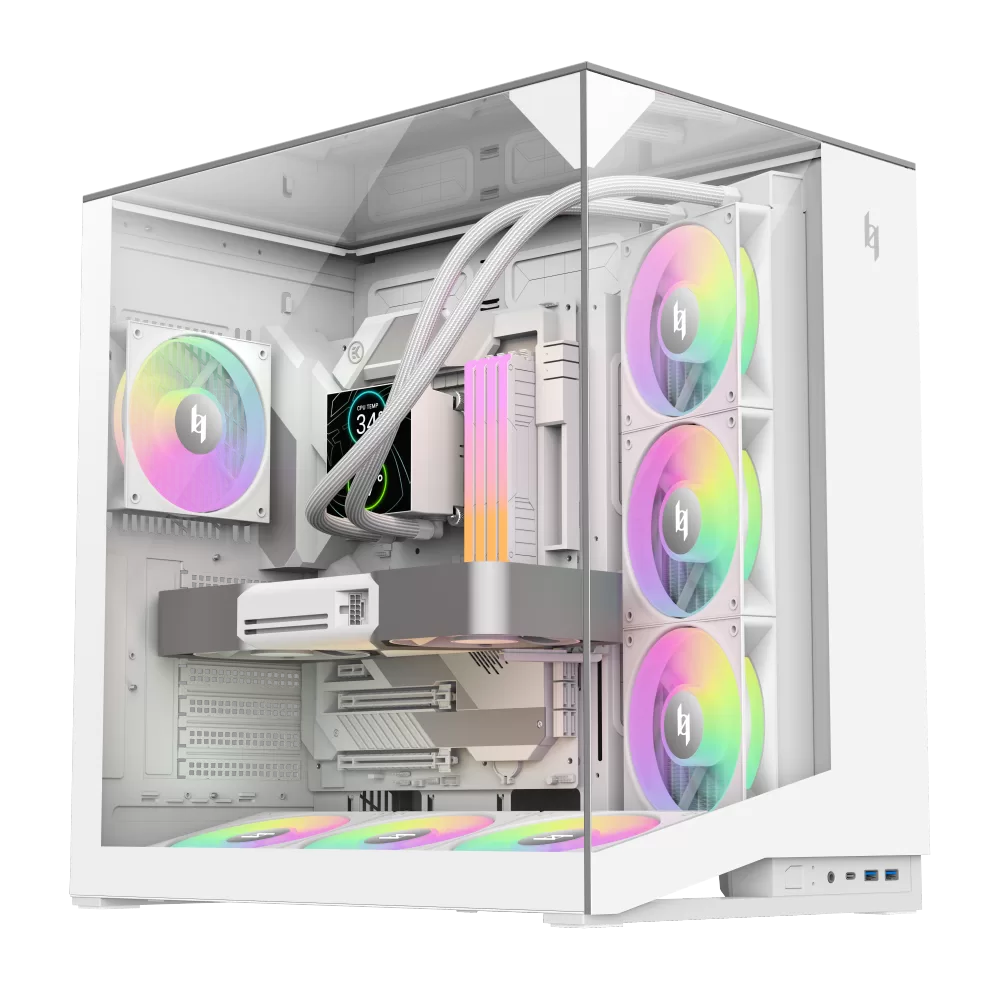 | XERON NEX C56 VC WH | USB-C 20Gbps (USB 3.2 Gen 2x2) + 2× USB-A + Audio | Triple-glass dual-chamber showcase · up to 4× 120mm ARGB/PWM fans | View → |
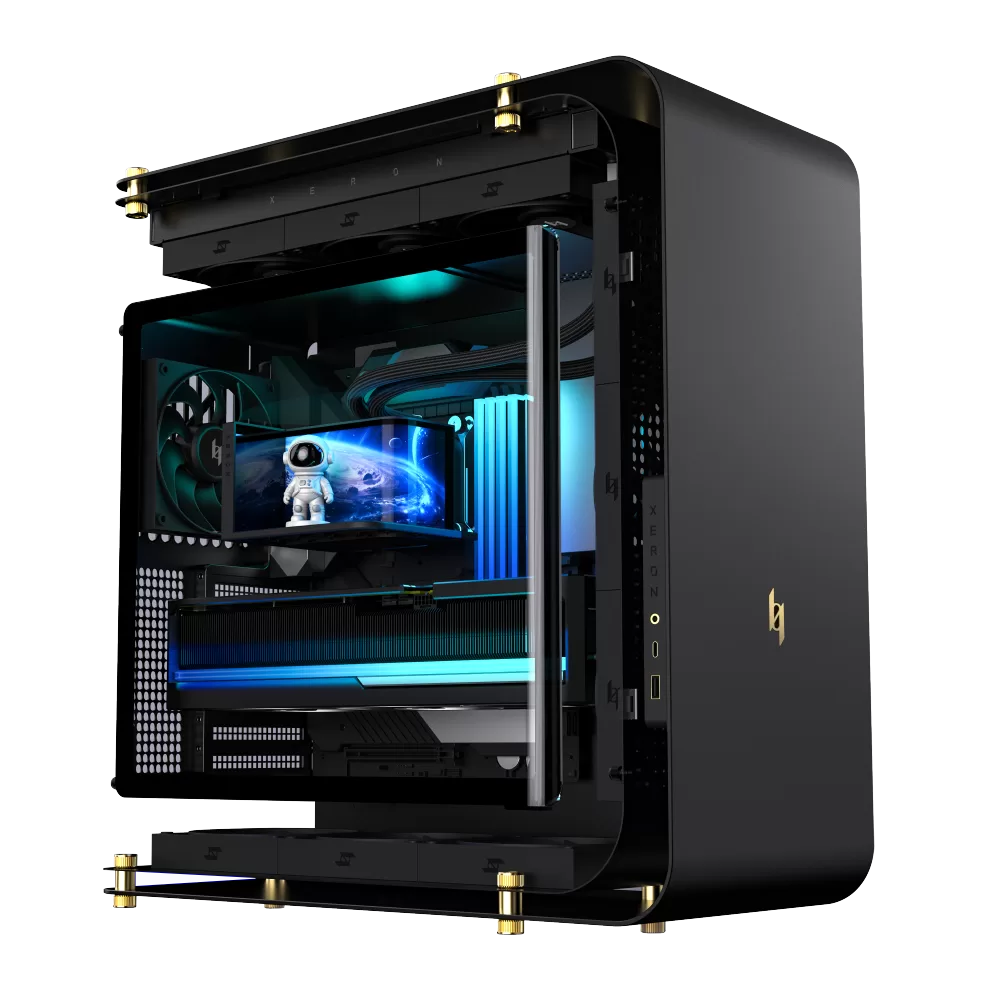 | XERON C Lab | Type-C + USB-A + Audio | C-shaped suspension dual-chamber · gallery-grade art case | View → |
USB-C Front I/O Comparison
| NEX C56 VC | C Lab | |
|---|---|---|
| USB-C Speed | 20Gbps (Gen 2x2) | Type-C (standard) |
| USB-A Ports | 2× USB 3.2 Gen 1 | USB-A |
| Audio Jack | ✓ | ✓ |
| Style | Triple-glass showcase | C-shaped art gallery |
| Fan Support | 4× 120mm ARGB/PWM | High-airflow layout |
| Colors | Black / White | Black / White |
PC Case with USB-C — FAQ
| Question | Answer |
|---|---|
| Do I need a Type-E header for a front USB-C case? | Yes — front USB-C plugs into the motherboard's Type-E (USB 3.2 Gen 2) internal header. Most boards from 2020 onward have one; if not, a PCIe card or internal adapter can add it. |
| Is front USB-C faster than the ports on the back? | It depends on the spec — a front USB 3.2 Gen 2x2 port (20Gbps) is as fast as most rear ports. The real win is convenience: full speed without reaching behind the case. |
| What's the difference between USB 3.2 Gen 2 and Gen 2x2? | Gen 2 runs at 10Gbps over a single lane; Gen 2x2 uses two lanes to reach 20Gbps. For most users 10Gbps is plenty, but if you move large video or game files, a 20Gbps port like the one on the NEX C56 VC makes a visible difference. |
| Can I charge my phone from the front USB-C port? | Yes. Front USB-C carries power for fast device charging while your PC is on — handy for phones, earbuds and handhelds without occupying a wall socket. Charging speed depends on your motherboard's USB-C power delivery. |
| Do I still need USB-A ports on a USB-C case? | Almost certainly — mice, keyboards and flash drives are still USB-A. A case that keeps 2× USB-A beside USB-C, like the NEX C56 VC, covers both old and new devices without adapters. |
| Which XERON cases have a front USB-C port? | The NEX C56 VC (black and white) with 20Gbps USB-C, and the C Lab with Type-C + USB-A + Audio on the front I/O panel. |